# Slave DM

**Slave DM** It's the most wonderful tool that saves you effort and time when you want to promote a specific product, your site, or anything&#x20;

If you use it, it sends a mass message to all your targeted.

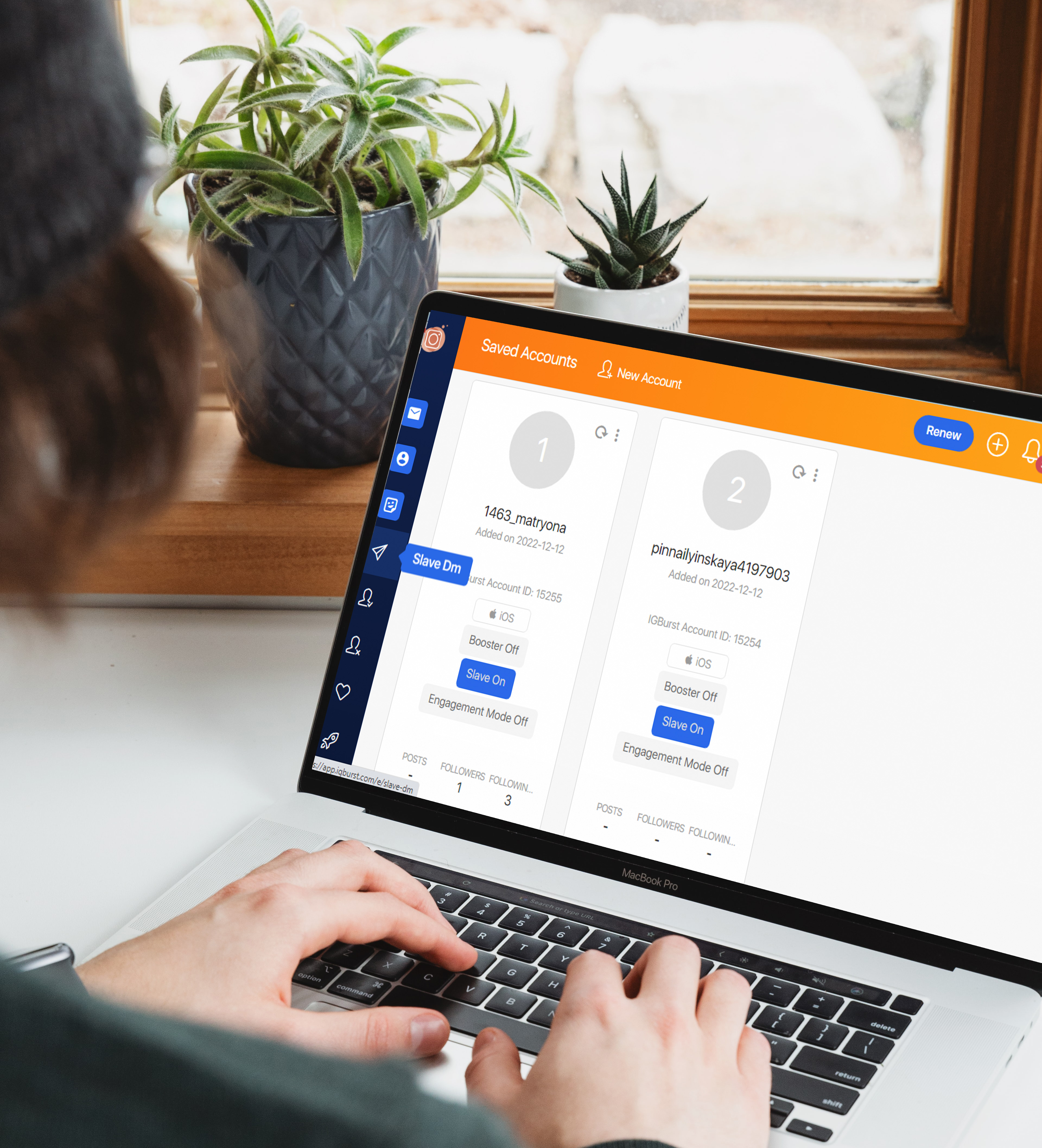
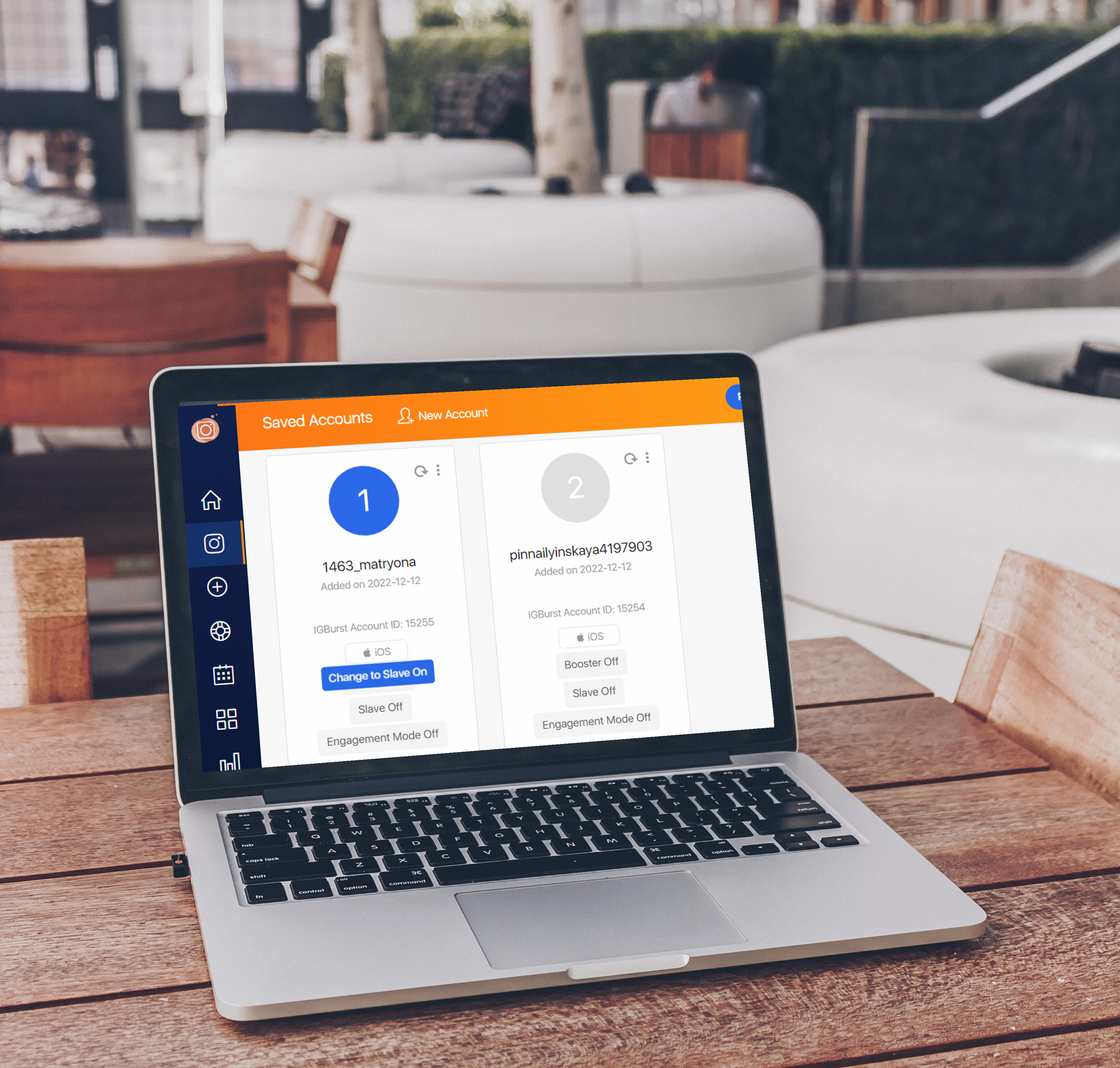
✨ before you begin go to your instagram account and turn on slave as following:

<figure><img src="https://4260839415-files.gitbook.io/~/files/v0/b/gitbook-x-prod.appspot.com/o/spaces%2FutVBAeMzQtla9rf8q9pN%2Fuploads%2Fxm9M0aEF7bDkokQFFhtJ%2Fslave%20on.jpg?alt=media&#x26;token=3c89e3f0-2682-406d-85ce-4ac0b6950c09" alt=""><figcaption></figcaption></figure>

Then enter <mark style="color:blue;">**Salve DM**</mark> in the left menu, and you will see the following interface:

<figure><img src="https://4260839415-files.gitbook.io/~/files/v0/b/gitbook-x-prod.appspot.com/o/spaces%2FutVBAeMzQtla9rf8q9pN%2Fuploads%2FIPonvNhQW1Lr5v4smeLV%2Fslave%20dm.jpg?alt=media&#x26;token=e99861bc-bc94-4281-aee0-5220857e7806" alt=""><figcaption></figcaption></figure>

**IGBURST** will explain all the details to you  🧾

## ♦ <mark style="color:purple;">Target & Settings :</mark>&#x20;

<mark style="color:purple;">**↪**</mark> You must search for the target accounts you wanted it and you can select the speed, and &#x20;

&#x20;     change the status to <mark style="background-color:orange;">< active ></mark>.

<figure><img src="https://4260839415-files.gitbook.io/~/files/v0/b/gitbook-x-prod.appspot.com/o/spaces%2FutVBAeMzQtla9rf8q9pN%2Fuploads%2FQpqXrknTmQ5ydOVJetCB%2Ftarget%26%20settings.jpg?alt=media&#x26;token=b7b0201b-73d6-40d9-b534-030c3f260c5b" alt=""><figcaption></figcaption></figure>

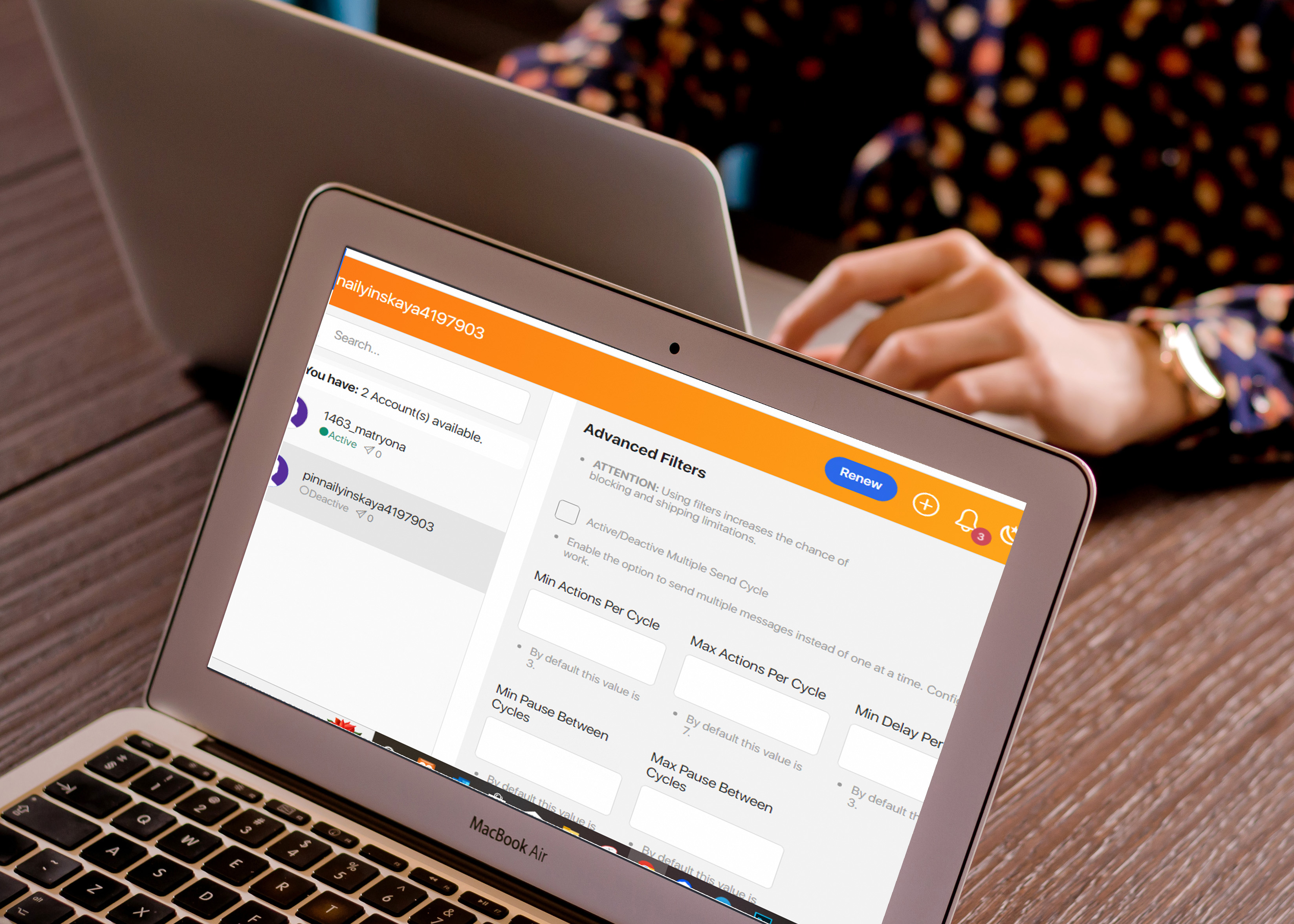
<mark style="color:purple;">**↪**</mark> if you want to get more features, you can click on <mark style="background-color:orange;">< advanced options ></mark>, but you should know   that The more targeted you are, the more difficult it will be to find qualified profiles.

<figure><img src="https://4260839415-files.gitbook.io/~/files/v0/b/gitbook-x-prod.appspot.com/o/spaces%2FutVBAeMzQtla9rf8q9pN%2Fuploads%2FP9C7cwPDDDJqEizr4NlO%2Fadvanced%20options.jpg?alt=media&#x26;token=c32ea7f8-d751-4326-aa8b-74cf1657fbcd" alt=""><figcaption></figcaption></figure>

{% hint style="danger" %} <mark style="color:red;">**ATTENTION :**</mark> Using Advanced Filters increases the chance of blocking and shipping limitations,If you don't know what you are doing, ignore it.&#x20;
{% endhint %}

<figure><img src="https://4260839415-files.gitbook.io/~/files/v0/b/gitbook-x-prod.appspot.com/o/spaces%2FutVBAeMzQtla9rf8q9pN%2Fuploads%2FZ1OF7VL4peR0CIEhXEho%2Fadvanced%20filters.jpg?alt=media&#x26;token=7f646c56-a1dd-45c6-886c-596c65f5c5fa" alt=""><figcaption></figcaption></figure>

### <mark style="color:purple;">↪</mark> List DM Settings

&#x20;      ✅ When activating this option, the system will only send using this list.

<figure><img src="https://4260839415-files.gitbook.io/~/files/v0/b/gitbook-x-prod.appspot.com/o/spaces%2FutVBAeMzQtla9rf8q9pN%2Fuploads%2Fb1gU81bq9z1XdJdF2q9p%2Flist%20settings.jpg?alt=media&#x26;token=66005d3c-559f-41f7-84ce-5e6a1176f7d2" alt=""><figcaption></figcaption></figure>

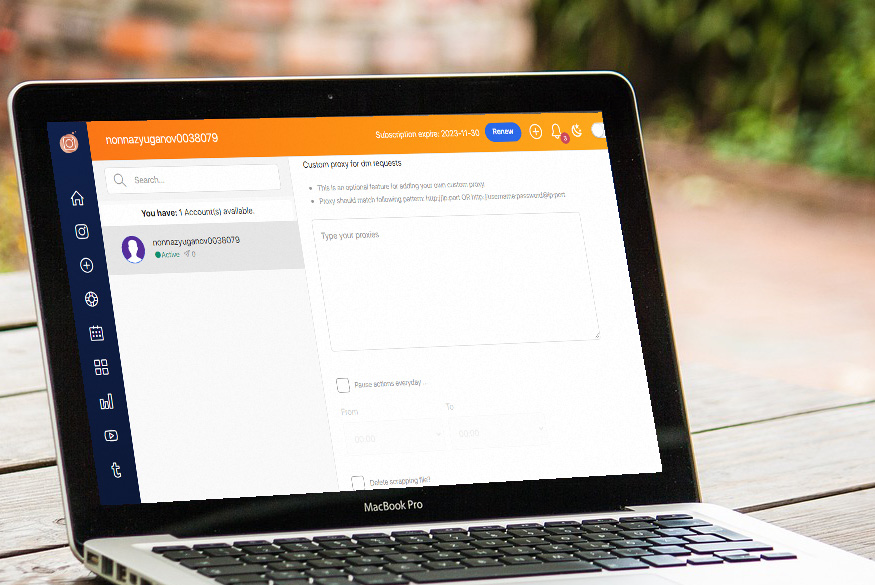
<mark style="color:purple;">**↪**</mark> You can adding your own custom proxy for dm requests.

<figure><img src="https://4260839415-files.gitbook.io/~/files/v0/b/gitbook-x-prod.appspot.com/o/spaces%2FutVBAeMzQtla9rf8q9pN%2Fuploads%2Fyz7ZhYCFJXFGtN1JstaT%2Fproxy.jpg?alt=media&#x26;token=73c243bf-f320-4c2f-a1a7-c923afd15596" alt=""><figcaption></figcaption></figure>

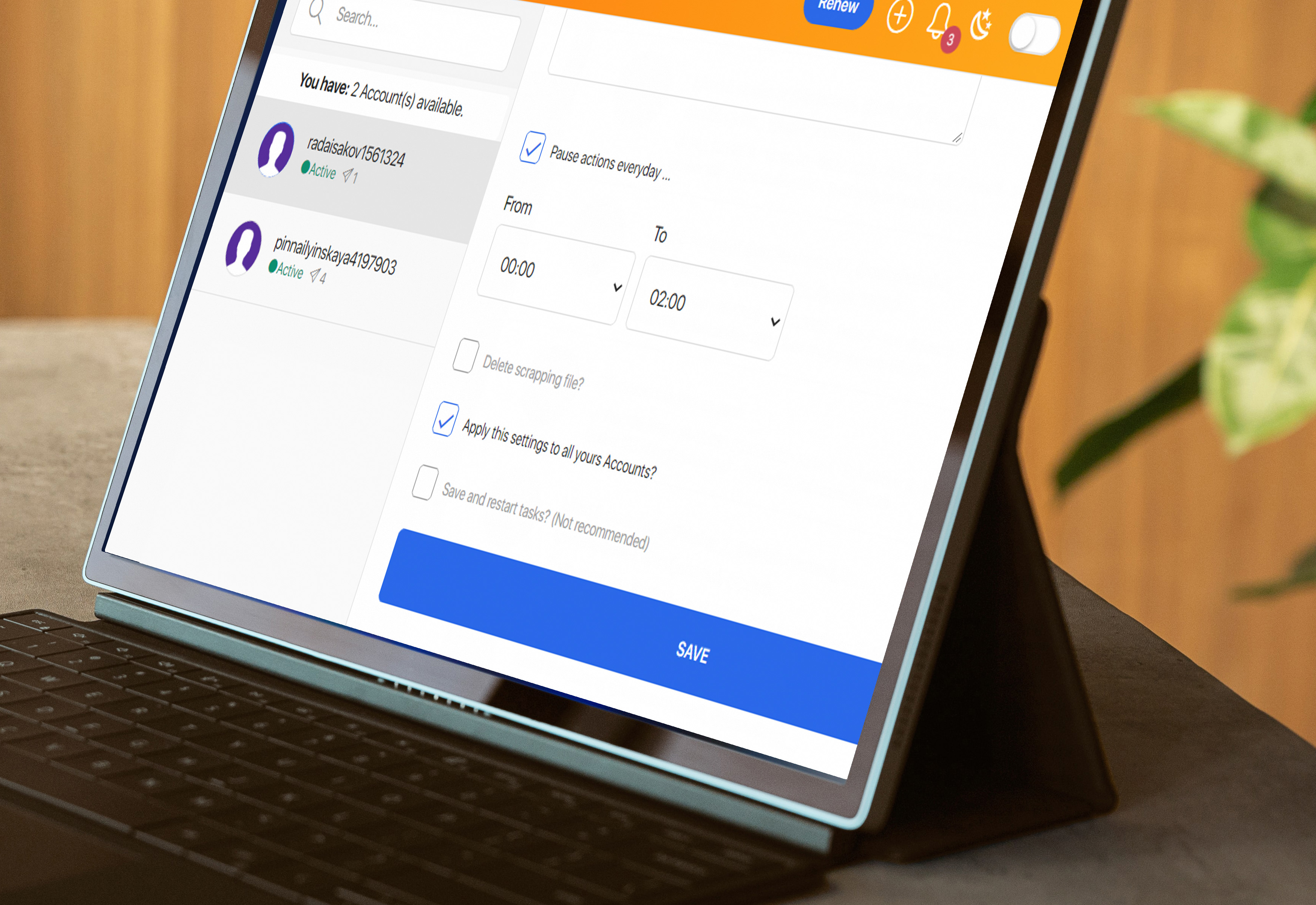
↪ You can specify the time at which you want the actions to pause,

and if you want to set the same setting to all your account , Activate an option

<mark style="background-color:orange;">< Apply this settings to all yours Accounts ></mark>

then click on <mark style="color:green;">**< Save >**</mark>

<figure><img src="https://4260839415-files.gitbook.io/~/files/v0/b/gitbook-x-prod.appspot.com/o/spaces%2FutVBAeMzQtla9rf8q9pN%2Fuploads%2FypJxuXyT2RlEVcjzTZjM%2Fsave.jpg?alt=media&#x26;token=59e8bd7b-5555-471e-82de-779f912314ae" alt=""><figcaption></figcaption></figure>

## ♦ <mark style="color:purple;">Messages :</mark>&#x20;

Enter the massege you want to send and you can use the following variables&#x20;

&#x20;<mark style="color:orange;">{{firstname}} {{username}} {{fullname}}</mark>

&#x20;If user's full name is not set, username will be used.

and click on <mark style="background-color:orange;">\<ADD MESSAGE></mark> , don't forget to activate the <mark style="background-color:orange;"><  Apply this settings to all yours Accounts ></mark> option if you want it

<figure><img src="https://4260839415-files.gitbook.io/~/files/v0/b/gitbook-x-prod.appspot.com/o/spaces%2FutVBAeMzQtla9rf8q9pN%2Fuploads%2F1xejTEvqRFsvnA86xzNW%2Fmsg.jpg?alt=media&#x26;token=866a11fc-848a-48e6-a5aa-a7a24ec4a062" alt=""><figcaption></figcaption></figure>

&#x20;if you enable <mark style="background-color:orange;">< Send Post ></mark> or <mark style="background-color:orange;">< Send Profile Card ></mark> , you can send the post link or send the profile card directly to your targets audience.

<figure><img src="https://4260839415-files.gitbook.io/~/files/v0/b/gitbook-x-prod.appspot.com/o/spaces%2FutVBAeMzQtla9rf8q9pN%2Fuploads%2Ft8a8Vt1Oz6xmKyyVIiM4%2Fsend%20url.jpg?alt=media&#x26;token=67006b86-8708-44e5-8d90-08c2eccd82b3" alt=""><figcaption></figcaption></figure>

Once everything is setup click <mark style="color:green;">**< Save >**</mark>

##

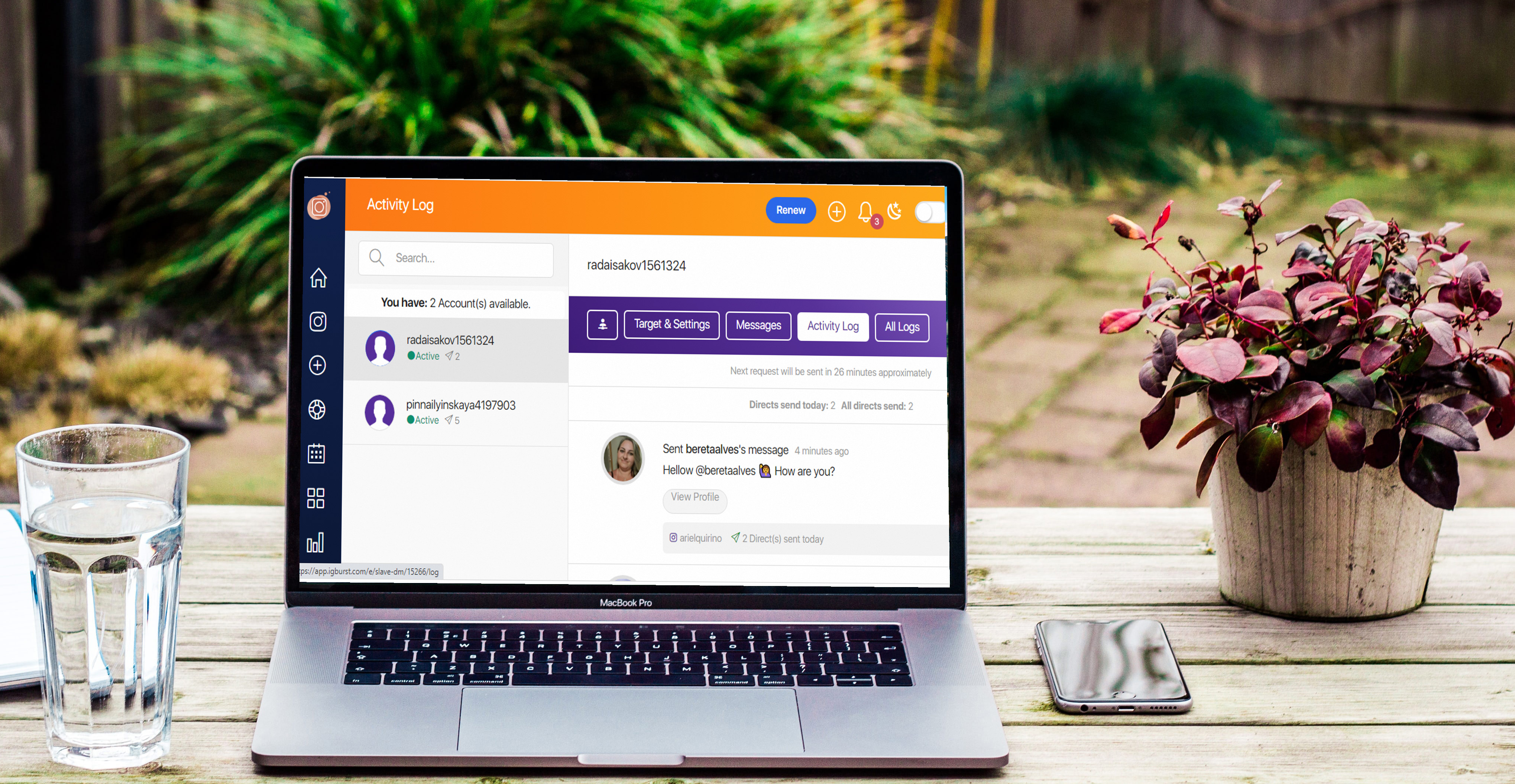
## ♦ <mark style="color:purple;">Activity Log :</mark>&#x20;

To see all activities that got on your account.

<figure><img src="https://4260839415-files.gitbook.io/~/files/v0/b/gitbook-x-prod.appspot.com/o/spaces%2FutVBAeMzQtla9rf8q9pN%2Fuploads%2F0gECgJlZQfQU4nIZytnx%2Factivity%20log.jpg?alt=media&#x26;token=b2c492ef-a31d-4505-bacd-f278c5e37444" alt=""><figcaption></figcaption></figure>

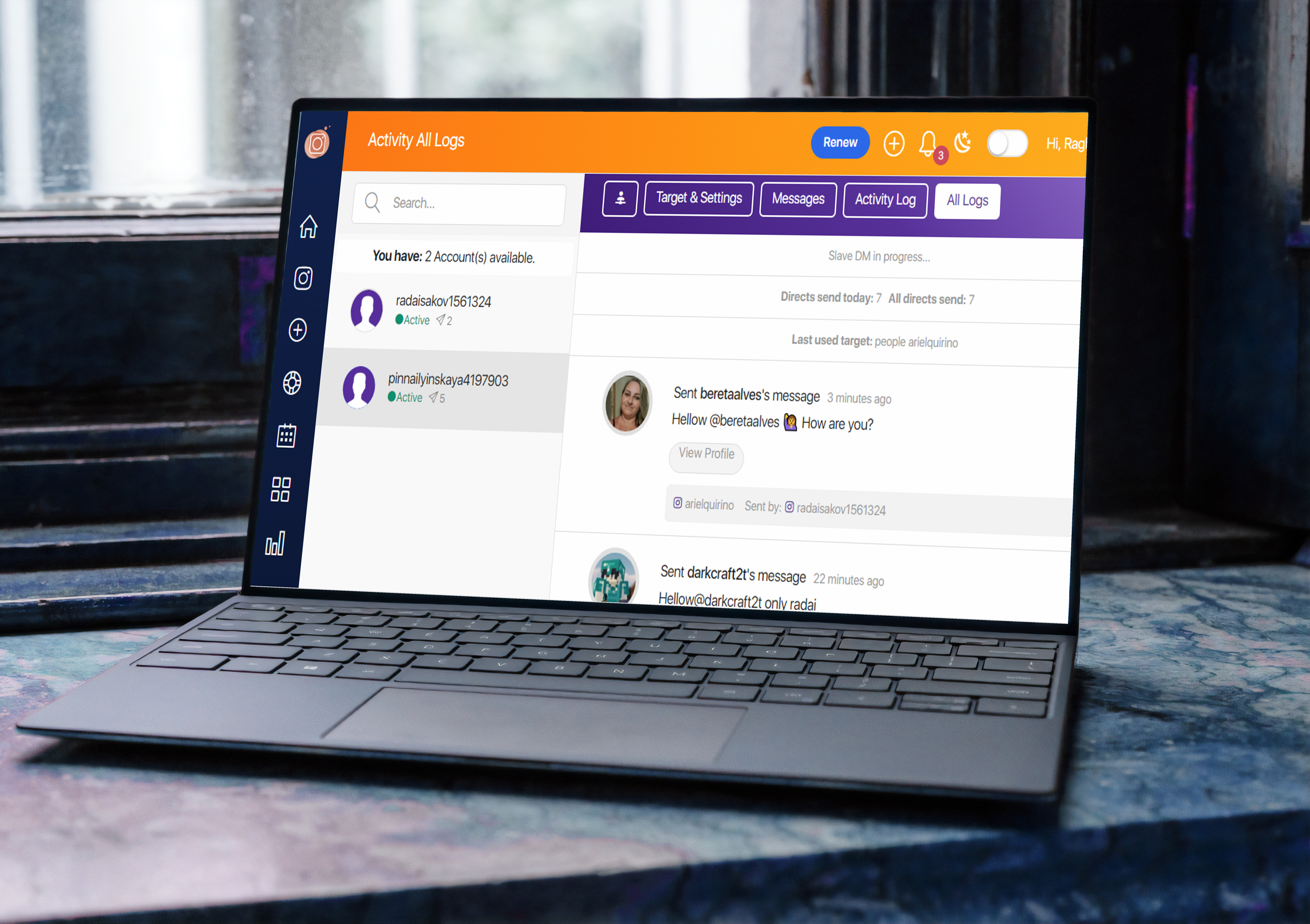
## ♦ <mark style="color:purple;">All Logs :</mark>

To see all activities that got on all your accounts.
<figure><img src="https://4260839415-files.gitbook.io/~/files/v0/b/gitbook-x-prod.appspot.com/o/spaces%2FutVBAeMzQtla9rf8q9pN%2Fuploads%2FeXfOLeMHkcYYKOasd21Y%2Fall%20logs.jpg?alt=media&#x26;token=5401630d-0aea-458b-9409-3e23fd1541c5" alt=""><figcaption></figcaption></figure>