> For the complete documentation index, see [llms.txt](https://docs.igburst.com/knowledge-base/llms.txt). Markdown versions of documentation pages are available by appending `.md` to page URLs; this page is available as [Markdown](https://docs.igburst.com/knowledge-base/instagram-automation/growth-tools/direct-manager.md).
# Direct Manager
This tool allows you to control the management of your direct messages easily through one place.
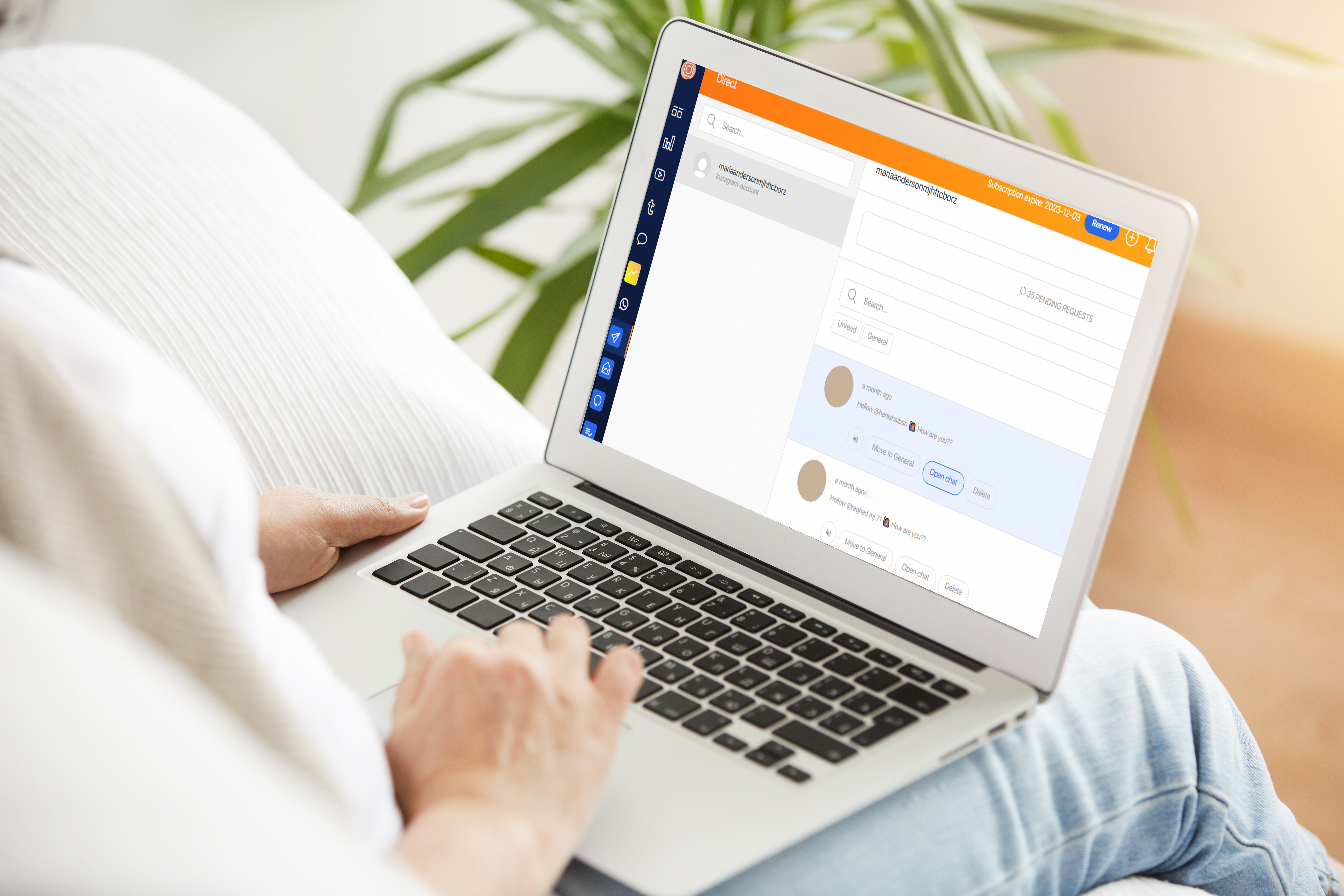
By clicking on the tool icon in the left menu, select your account that you want to manage through after that, you will see a list of all your messages and requests.
You can search for specific messages using the **Unread** and **General** filters.
You can **Mute** , **Move to General** , **Delete** , **Open chat** and reply directly to your messages.